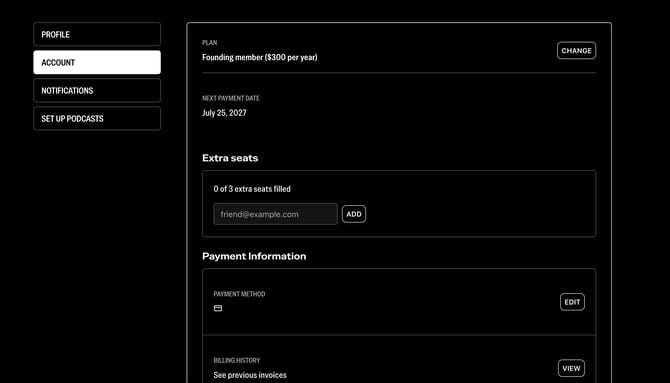
As a Founder or Best Friend (formerly Navigator), you are helping fuel The Bulwark’s growth. As part of your extraordinarily generous support, your subscription includes complimentary guest access that you can share with friends or family.
Your guests will have access for as long as your Founder or Best Friend subscription remains active. They are also bound by the same commenting rules as every other paid member, so please talk with recipients about rules and expectations before adding them to your account. As your guests, they'll learn a lot here at the Help Center, but they should reach out with any specific questions and we're glad to answer them.
To add a guest, visit your account page. Once there, under "Extra Seats" you will see a button that says "CLAIM SEATS." If you're ready to add people, click that button.
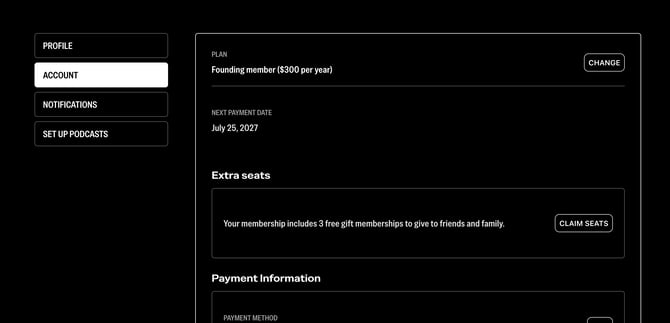
Once you've clicked the button, you'll get a pop up like this:
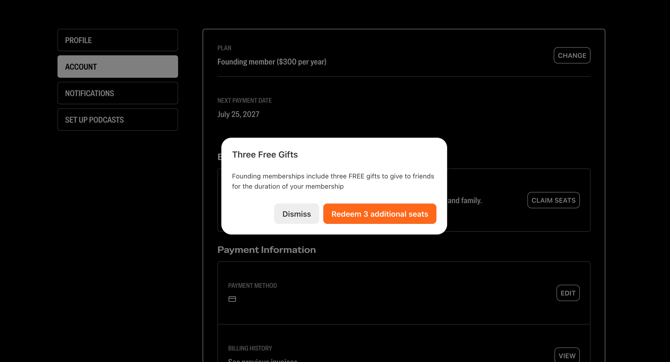
Click "Redeem _ additional seats." Founders get 3 extra seats, and Best Friends get 6.
Once you've clicked Redeem, you will see a text field that enables you to add new people. In that same box is how you can remove people too, if they decide Bulwark access is not for them.